A concept art portfolio must show skill, process, and fit. The artist places the concept art portfolio at the top of job searches and freelance queries and treats it as a professional product rather than a gallery dump. The artist aims the portfolio at studios, art directors, or clients and thinks like the viewer: what information do they need in the first 5–10 seconds to hire you? The portfolio must guide the viewer quickly and prove that the artist can solve visual problems, tell stories, and make production-friendly decisions. The artist keeps content clear, focused, and relevant, prioritizing work that aligns with the intended role and removing pieces that dilute the overall message.
Key Takeaways
- A concept art portfolio should clearly showcase the artist’s skill, process, and suitability for the target role to impress studios and clients.
- Defining a specific goal and audience helps tailor the portfolio content to fit desired positions like environment artist or character concept designer.
- Include essential elements such as hero images, turnaround sheets, color keys, and at least one finished scene, character study, and prop to demonstrate versatility and decision-making.
- Maintain a clean and consistent layout with neutral backgrounds, minimal text, and easy navigation optimized for desktop and mobile viewing.
- Prepare technical files with proper resolution, naming conventions, version control, and backups to ensure professionalism and easy updating of the portfolio.
Clarify Your Goal And Target Audience
The artist defines a goal before building a concept art portfolio and writes a one-sentence mission: e.g., “Show environment design for mid-to-high fantasy games at a senior level.” They list roles they want—environment artist, character concept, or prop designer—and prioritize pieces that directly speak to those roles. They research studios or clients to identify preferred art styles, technical constraints (polycounts, texture sizes), and typical deliverables. The artist writes a short target description for each version of the portfolio: who will view it, what they will check first (silhouette, readability at thumbnail size, costume read), and what proof is required (process sheets, turnaround, final comp). They cut pieces that do not match the goal and create tailored versions of the portfolio for different applications rather than one large, unfocused site. Small changes—reordering the first three thumbnails, swapping a prop for an environment—can make a portfolio read as relevant to a specific job.
Essential Pieces Every Concept Art Portfolio Should Contain
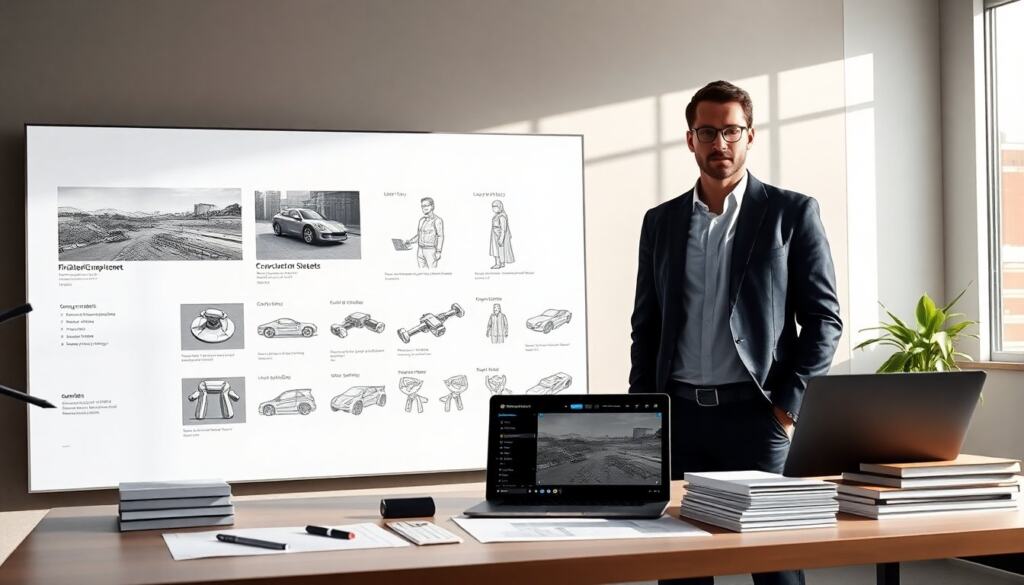
The artist includes clear hero images that show composition, lighting, and narrative intent—these are the pieces visible at thumbnail size. For character projects, add turnaround sheets (front, side, back) and expression or pose studies; for props, include orthographic views and key dimensions. Include color keys and value studies to show decision making and a short written note explaining the design brief or constraints for each major piece. Add a few fast thumbnails or ideation sketches to show iterative thinking and how you arrived at final solutions. Show at least one finished scene, one character study, and one prop or vehicle to demonstrate range; if specializing, include 6–12 strong, curated pieces rather than a large number of weaker images. Label each piece with role, tools used (e.g., Photoshop, Procreate, Blender), and approximate time spent—this helps hiring teams evaluate speed and fit. Include process breakdowns for at least 2–3 pieces: thumbnail → value → color pass → final, with short captions explaining major decisions. The artist removes redundant images, avoids near-duplicates, and keeps quality consistently high so the portfolio reads as reliable and professional.
Presentation And Layout Best Practices
The artist uses consistent spacing, gutters, and a neutral background to frame work so pieces remain the focal point. Keep text small, plain, and informative—role, tools, and a one-line context—placed where it does not cover or distract from art. Use a single typeface and limit color accents to one or two spots (accent color for links or headings only). Make hero images larger than supporting images and order work so the strongest pieces appear first and last. Keep navigation simple: one-click access to the main gallery, downloadable PDF, and contact info. Test the layout on desktop and mobile devices to confirm readability, thumbnail clarity, and tap targets. Optimize image loading with sensible lazy-loading and compressed JPG/PNG sizes so pages load quickly without visible artifacts. Consider accessibility: add short alt text for key images, ensure text contrast, and provide easy-to-find contact and hireable status. If using an external platform, keep a minimal, mirrored personal site that loads faster and looks tailored to hiring needs.
Technical Specs, File Prep, And Version Control
The artist exports images at web-friendly resolutions—common practice is to provide a main image around 1600–1920 px on the longest side and smaller thumbnails for previews—and 300 DPI for print deliverables. Save masters as layered PSD/EXR/TIFF files and export flattened web versions as high-quality JPG or lossless PNG where edges and color fidelity matter. Name files with a clear convention: project_role_v01_YYYYMM (or a similar scheme), and keep a simple version log that records major changes and the reasoning behind them. Back up masters to at least two locations such as an external drive and a cloud service, and periodically archive old versions to a separate backup bucket. Compress PDFs for portfolio downloads without losing clarity and check color profiles (sRGB for web, appropriate profiles for print). Keep a current upload labeled with a visible version number on the site and maintain a changelog or private index so older layouts or rejected pieces can be restored if needed. Finally, test delivered files on multiple devices and browsers before sending links to recruiters to avoid mismatches in color, cropping, or resolution.