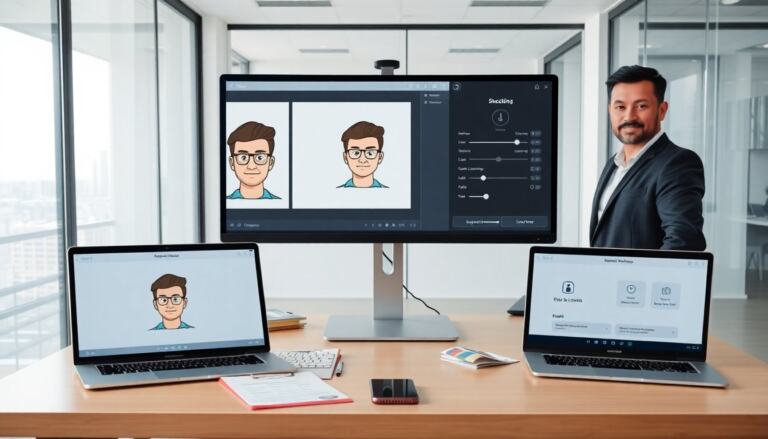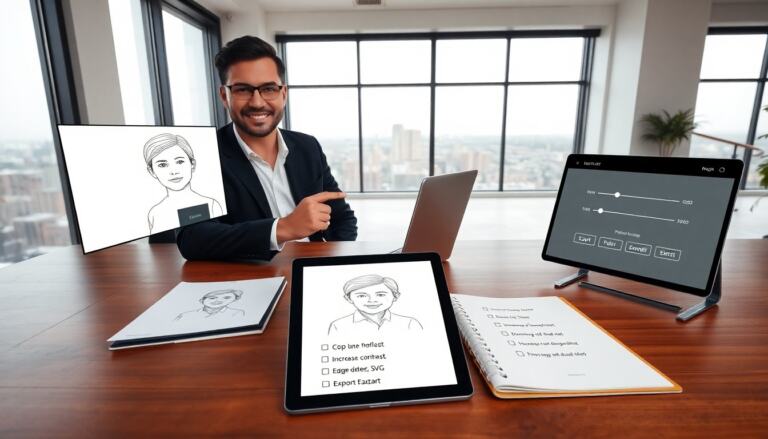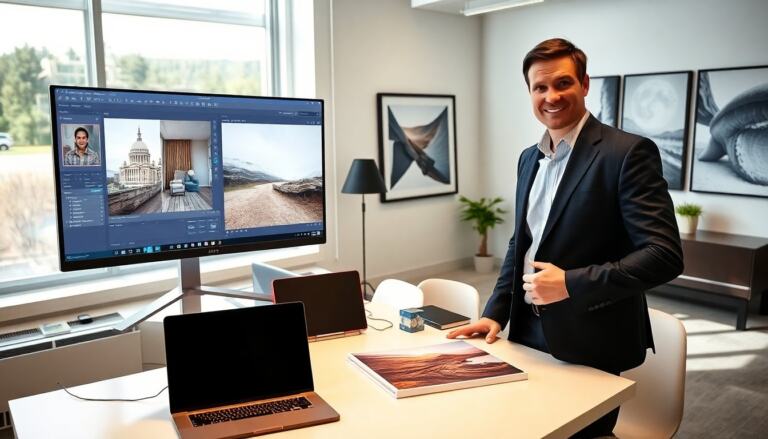

They can convert photo to watercolor painting with clear steps and simple tools. This guide shows which photos work best and which apps or software they should use. It shows quick methods and deeper edits. The instructions use plain language and direct actions.
Key Takeaways
- To convert photo to watercolor painting effectively, choose images with clear shapes, simple colors, good lighting, and minimal background distractions.
- Smartphone apps and online tools offer quick, one-tap watercolor conversions with options to adjust brush strength, edge detail, and paper texture for better realism.
- Top apps should provide features like non-destructive edits, face-aware adjustments, batch processing, and export without watermarks for professional results.
- Advanced Photoshop techniques involve layering smart filters, using watercolor brushes on separate layers, applying paper texture overlays, and refining details with masks for a handcrafted look.
- Always save high-resolution originals and keep layered PSD files to allow future edits and maintain print quality when you convert photo to watercolor painting.
Which Photos Work Best For Watercolor Conversion
They choose photos that show clear shapes and simple color areas. They avoid busy backgrounds and tiny, detailed textures. They pick photos with good lighting and solid contrast. Portraits with soft light and clear edges convert well. Landscape photos with large color blocks and clear horizons also convert well. Close-ups of flowers work, as the petals create natural washes. They avoid photos with heavy noise or extreme overexposure. They crop to simplify the subject before they convert photo to watercolor painting. They save a high-resolution original for editing. They duplicate the file so the original stays unchanged.
Quick Methods: Smartphone Apps And Online Tools
They use apps when they want fast results. Many apps convert photo to watercolor painting in one tap. They upload the photo, choose a watercolor filter, and export a PNG or JPG. They check that the app keeps fine edges and light washes. They compare styles and pick the one that fits the image. They test different strength settings so brush details stay visible. They use online tools when they need no download. They prefer tools that process with high resolution. They look for tools that let them fine-tune edge definition and paper texture. They save multiple versions to compare and refine. They keep the original to return to if needed.
Top Features To Look For In An App Or Online Tool
They look for adjustable brush strength. They want control over color bleed and edge detail. They want layers or masks so they can protect faces or signs. They want paper texture options to add realism. They want resolution control to keep print quality. They want non-destructive edits so they can revert changes. They check for face-aware adjustments for portraits. They check for batch processing when they convert many photos. They prefer tools that allow local export without watermarking. They read reviews and test the free versions before they buy.
Advanced Techniques: Photoshop And Manual Touch‑Ups
They open the photo in Photoshop and duplicate the layer. They apply a smart filter like Oil Paint to simplify textures first. They run a Median filter set low to reduce noise. They add a Gaussian Blur layer as a soft wash and reduce its opacity. They create a new layer for brushwork and use a dry watercolor brush set at low flow. They sample colors from the image and paint to enhance washes. They use layer masks to keep faces and text crisp. They add a scanned paper texture on top and set blend mode to Multiply or Overlay. They use the Filter GalleryWatercolor for base effect and then refine by hand. They dodge and burn to guide light and shadow. They export a flattened high-resolution file for print and a web-friendly copy for online use. They keep the layered PSD to return and adjust later.