Digital art drawing has become the main way many artists make sketches and finished work. This guide shows clear steps for tools, workflow, drawing basics, color, composition, and export. It gives practical tips artists can apply today. The language stays simple. The goal stays skill growth and faster, cleaner results.
Key Takeaways
- Digital art drawing requires selecting the right tools like a pressure-sensitive tablet and color-accurate display to enhance workflow and quality.
- Establishing a clean workflow with proper file naming, canvas size, and color profiles accelerates digital art drawing sessions.
- Consistent practice of drawing techniques such as line control, value studies, and form building improves skill and image clarity.
- Regular exercises like gesture lines, value thumbnails, and texture sheets build muscle memory and speed in digital art drawing.
- Effective color choices and composition principles, including limited palettes and rule-of-thirds placement, create compelling digital artworks.
- Proper export settings tailored for web or print ensure digital art drawings maintain color accuracy and detail across platforms.
Tools & Hardware Every Digital Artist Needs
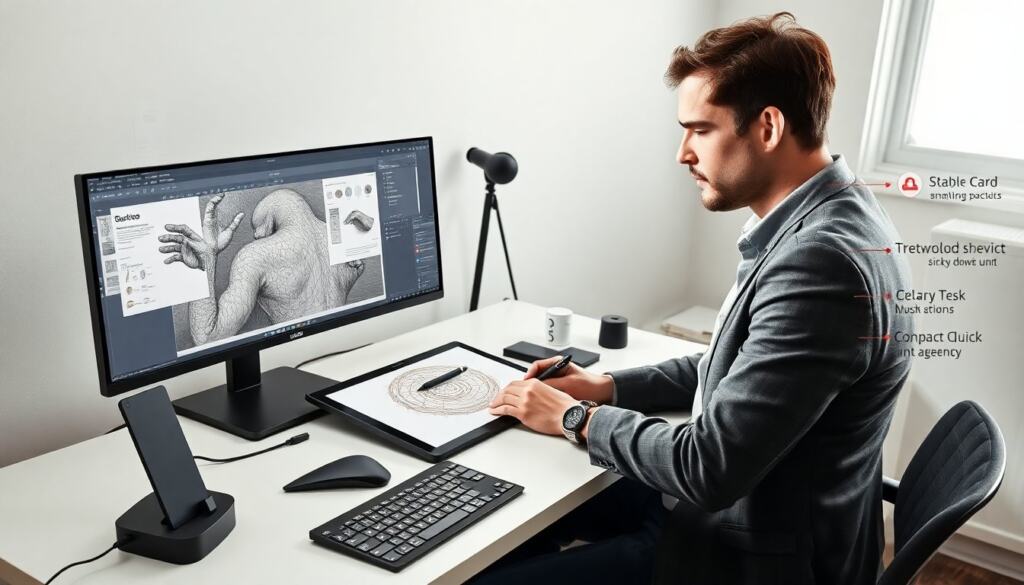
Choosing the right gear speeds learning and reduces friction for digital art drawing. A midrange tablet with pressure sensitivity gives good value. A battery-free pen reduces lag and maintenance. A display with at least 100% sRGB helps color work. For mobility, a compact pen display or high-end tablet works. For a studio, a large monitor with a color-calibrated tablet feels best.
Buy a tablet that matches the hand feel the artist prefers. Test pen tilt, pressure curves, and shortcut buttons. Prioritize low parallax and a smooth glass surface. Replace nibs before they wear thin: worn nibs change line quality. If budget is tight, pick a reliable pen tablet and upgrade the screen later.
Digital art drawing benefits from a simple accessory set: a drawing glove, extra nibs, a stable desk mount, and a good USB-C cable. These small items keep sessions smooth and reduce interruptions.
Workflow & File Setup For Fast, Flexible Drawing Sessions
A clean workflow lets artists focus on the image instead of the app. Start each file with a clear naming pattern and version number. Set canvas size to the intended output and add a 300 PPI base for print or 72–150 PPI for web. Use color profiles: sRGB for web and Adobe RGB or ProPhoto for print when needed.
Create reusable templates with layer groups, a basic color palette, and common brushes. Use non-destructive layers for changes. Lock finished layers and work on new ones. Save incremental versions and keep a flattened export for quick previews.
Keep keyboard shortcuts or pen buttons mapped to frequent actions. A quick-undo, brush-size, and layer-switch shortcut can cut drawing time. Regularly back up files to cloud storage. This protects months of digital art drawing work from hardware failures.
Fundamental Drawing Techniques To Improve Line, Value, And Form
Line control starts with consistent practice and focused drills. Draw long, confident strokes on a large canvas to reduce wobble. Practice short strokes for detail. Use pressure curves to adjust how the pen responds. Clean line work makes later stages faster in digital art drawing.
Value studies show form and light before color. Block simple shapes with mid, dark, and light values. Study three-value thumbnails to solve lighting quickly. Convert sketches to grayscale to test contrast. Strong value structure keeps the image readable at small sizes.
Form builds with simple shapes. Break a subject into spheres, boxes, and cylinders. Shade those shapes with a single light source. Use edge control: hard edges for focal areas, soft edges for secondary zones. These steps make figures and objects read clearly in digital art drawing.
Line Work, Value Studies, And Texture — Practical Exercises
Exercise 1: One-minute gesture lines. Draw 30 poses at 60–90 seconds each. Focus on flow, not detail. Exercise 2: Three-value thumbnails. Make ten thumbnails at thumbnail size. Use one light, one mid, one dark for each. Pick the best and refine.
Exercise 3: Texture sheet. Create a page of 20 small swatches: cloth, skin, metal, wood, stone. Use different brushes and layer modes. Label each swatch with brush size and opacity. This sheet helps when the artist needs quick references.
Repeat these exercises weekly. Track progress with dated files. Small, regular practice improves muscle memory and decision speed in digital art drawing.
Color, Composition, Lighting And Exporting For Web And Print
Color choices affect mood and clarity. Begin with a limited palette and adjust saturation for focal points. Use a warm-cool contrast to separate planes. Test colors on a neutral gray background to judge true value. Avoid very saturated colors across large areas: they tire the eye.
Composition guides the viewer. Place the focal point near a rule-of-thirds intersection. Use leading lines and value contrast to guide the eye. Remove clutter that competes with the subject. Think of negative space as an active part of the layout.
For lighting, define a single key light and add a fill light if needed. Use rim light to separate the subject from background. Check final files at multiple sizes to ensure readability.
Export settings vary by destination. For web, export PNG or JPEG in sRGB and optimize for file size while keeping detail. For print, convert to CMYK only at the final step and keep a high-resolution TIFF or PDF with embedded profile. Embed metadata and copyright info when required. Test the exported image on multiple devices or print proofs to confirm color and detail before release.