Environment concept art sets mood and context for games and films. The term “environment concept art” appears early in briefs and pipelines. Artists use it to show place, time, and emotion. This article explains core elements, workflow steps, and fast improvement methods. It helps artists focus on what matters and avoid common errors. Readers will find clear actions they can apply to their next scene.
Key Takeaways
- Environment concept art visually defines location, time, and mood to guide storytelling in games and films effectively.
- Lighting, color, and atmospheric effects are crucial for setting mood and depth, making the environment believable and engaging.
- Composition and focal points organize the scene to direct viewer attention and convey scale and narrative.
- A structured workflow from research to final render ensures efficiency and clarity in environment concept art creation.
- Avoid over-detailing and focus on silhouette and value early to strengthen composition and highlight focal areas.
- Using both 2D and 3D tools, plus ongoing critique and learning, helps artists improve quickly and produce compelling environment concept art.
What Is Environment Concept Art And Why It Matters
Environment concept art means visual design that defines a location for a story or a game. It shows architecture, nature, weather, and props. Designers use it to test ideas before production. Producers use it to set tone and budgets. Directors use it to align teams on a single vision. Good environment concept art saves time. It reduces guesswork during modeling, lighting, and VFX. It also helps marketing by offering strong, shareable imagery early in a project.
Beyond practical production benefits, environment concept art carries narrative weight: it suggests history, culture, and the unseen forces that shape a world. A well-made environment can hint at a civilization’s economy, the era’s technology, or recent events simply through wear, signage, and object placement. For teams, that layered storytelling provides the context necessary for consistent asset creation across departments.
For individual artists, mastering environment concept art means learning to balance idea generation with disciplined execution. That balance is what separates exploratory sketches from deliverable concept assets that can be passed straight to 3D or art direction without expensive rework.
Core Elements And The Visual Language Of Environments
Environment concept art combines several visual elements to communicate a clear idea. The artist chooses elements that signal place, era, and story. Each element must serve a purpose. The next subsections break down two of the most important areas.
Lighting, Color, And Atmospheric Techniques
Lighting guides where the viewer looks. Artists place light to create mood and read depth. Color supports mood and time of day. Cooler tones suggest night or distant air. Warmer tones suggest sunlight or fire. Atmospheric effects like fog, dust, and rain add depth. They also define scale when objects fade with distance. Artists often paint a few value studies to test lighting quickly. They then lock the lighting direction before adding detailed textures.
When exploring lighting and atmosphere, consider practical constraints: where light sources would realistically sit, how surfaces react to that light, and how weather would attenuate contrast. Using a small set of value thumbnails first allows quick comparison between dramatic, high-contrast approaches and softer, more diffuse lighting. Color keys that show primary, secondary, and accent colors help keep palettes cohesive across variations.
Atmospheric techniques are also functional: fog can hide unfinished geometry, dust can imply movement, and wet surfaces can increase specular highlights that reinforce a damp environment. Artists should use these tools intentionally to reinforce story beats—heat haze for desert mirages, falling ash for a recent fire, or drifting petals for a peaceful, pastoral scene.
Composition, Scale, And Focal Points
Composition organizes scene elements to tell a story. Artists use lines, mass, and contrast to guide the eye. Scale helps players feel small or powerful in a space. A lone figure beside a giant ruin reads as vastness. Focal points give the eye a resting place and a narrative anchor. Artists place the focal point at a strong intersection or along implied lines. They simplify background details to keep focus on the main subject.
Practical composition strategies include establishing a strong silhouette for major shapes, using overlapping planes to indicate depth, and designing negative space so the eye can move naturally through the scene. Scale can be reinforced with recognizable props (doors, windows, vehicles) and by controlling the size relationship between foreground and background elements. When a scene needs to communicate a narrative, place props and damage patterns so they point back toward the focal point—tracks, broken columns, and light shafts can all act as visual arrows.
Value hierarchy is often the most reliable way to lock composition early. If the silhouette reads correctly in grayscale, color and detail are there to enhance rather than fix composition problems. Many concept artists block values first, then refine shapes that sit within the established hierarchy.
Workflow: From Research And Thumbnails To Final Render
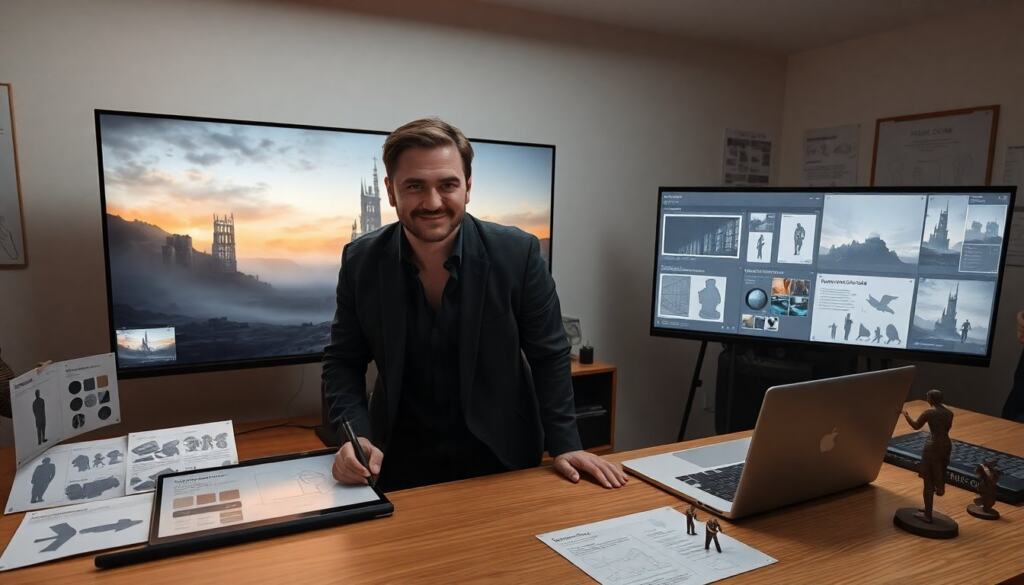
A clear workflow keeps environment concept art efficient. The artist starts with research to collect references and facts. They then sketch thumbnails to explore poses, shapes, and compositions. Next they pick one thumbnail and create a detailed painting or 3D blockout. They test lighting, color, and scale in a mid-value pass. After approval they refine materials, add props, and produce a final render. They deliver turnaround images at agreed sizes and export layered files for teams.
In practice, the workflow usually includes these checkpoints: quick reference gathering (photos, screenshots, mood boards), multiple thumbnail iterations (3–12 thumbnails for a single scene idea), a chosen direction presented as a polish pass or a 3D blockout, and a final pass that addresses texture language and readable props. Mix 2D and 3D early when perspective or scale is critical; a simple blockout in a 3D application can clarify camera placement and silhouette before painting details.
Collaboration points are also important: schedule reviews with art directors after thumbnails and again after the mid-value pass. Deliverables should be specified up front—what views, what aspect ratios, and which layered files are needed by other departments—so the final render integrates smoothly into production pipelines.
Practical Tips, Common Mistakes, And How To Improve Fast
Tip: Start with clear constraints like scale, camera, and palette. Tip: Limit the palette to three dominant colors plus accents. Mistake: Over-detailing the whole image. That wastes time and hides the focal point. Mistake: Ignoring silhouette and value in early stages. That makes composition weak. To improve, they critique work daily and iterate fast. They copy masters to learn technique. They set weekly goals that focus on one skill, such as lighting or texture.
Other practical tips: create a reusable asset kit of common props and material studies to speed up iterations; maintain a thumbnail archive for quick reuse of successful compositions; and use adjustment layers or nondestructive workflows so you can test color shifts and lighting changes without repainting. Time-boxing passes—e.g., 15–30 minutes for thumbnails, 2–4 hours for a mid-value pass—can help maintain momentum and prevent overworking early stages.
Common mistakes to watch for include: unclear horizon lines that confuse scale, competing strong contrasts that fight for attention, and relying too much on detail to sell a scene instead of strong design. A simple fix for many of these is to step back frequently (zoom out to thumbnail size), toggle color and detail layers off to check value structure, and ask for one concise critique question when sharing work (for example: “Does the focal point read clearly?”).
To improve quickly, combine deliberate practice with targeted feedback. Work on short studies focused on a single weakness, keep a record of iterations to measure progress, and solicit critique from peers or mentors who can point out compositional or storytelling issues you might miss. Over time, this focused practice will make environment concept art more efficient and more communicative.
Tools, References, And Learning Resources For Environment Artists
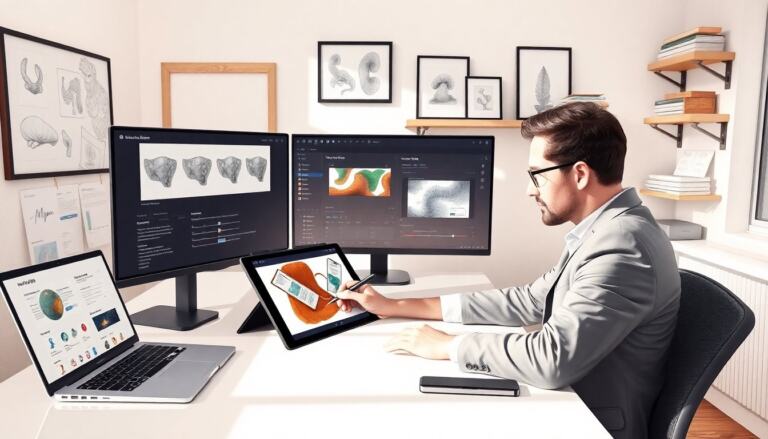
Artists use both 2D and 3D tools for environment concept art. Popular 2D tools include Photoshop and Procreate. Popular 3D tools include Blender, Maya, and Unreal Engine. Photographic libraries and reference boards speed the research step. Online courses and community critiques speed skill growth. They should follow studio art tests and post work to forums for feedback. They should build a portfolio that shows clear progression from thumbnails to final renders.
When choosing tools, consider the project’s needs: fast 2D concepting for exploration, or hybrid 2D/3D pipelines for tight camera work and precise scale. Maintain a personal reference library of textures, materials, and lighting setups that you can reuse. Finally, document your process for each piece—what thumbnails you tried, which lighting test you used, and why a certain color key was chosen—so feedback is easier to give and future work becomes faster.