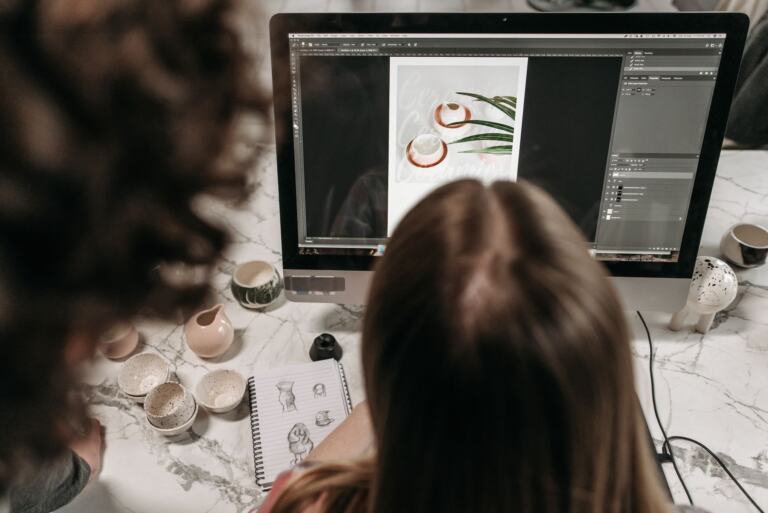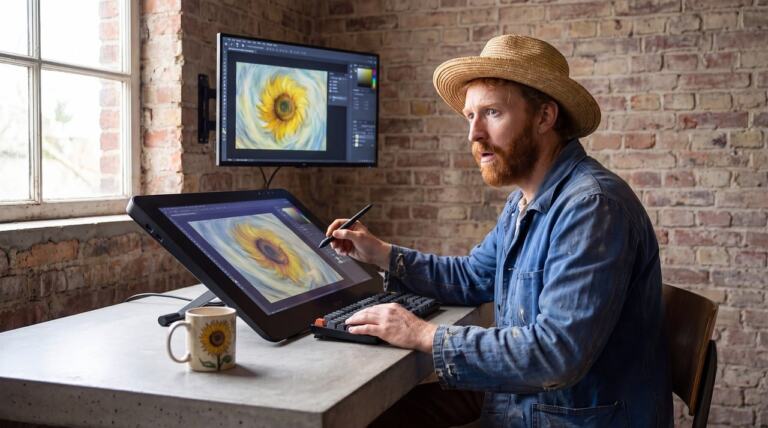
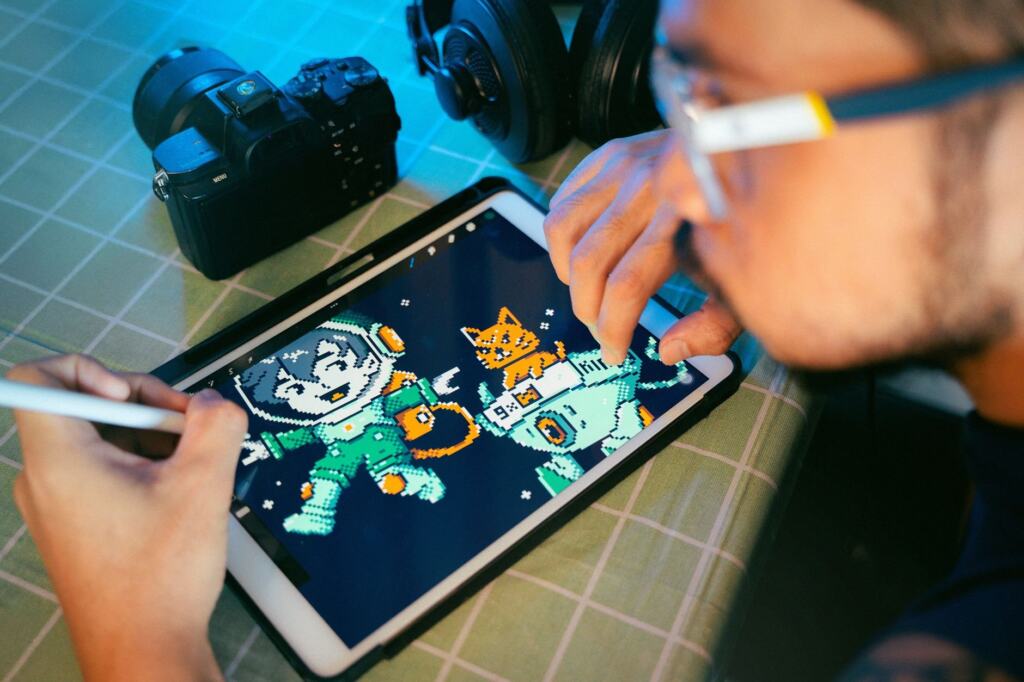
Digital art illustration is illustration made inside software rather than with traditional media such as paint. To start, you need a graphics tablet, a capable computer and an app that suits your style, then a portfolio that shows finished work.
For the wider picture of how illustration sits among creative disciplines, read what is digital art first. This guide narrows to illustration and connects skills, tools and first paid work in one path.
How digital illustration works
Digital illustrators produce visual imagery using computer technology and specialized software, according to Vancouver Film School’s career guide. CorelDRAW puts it plainly: the artwork is created digitally, within software, rather than with traditional media. What changes your results is the type of file you are building, because raster and vector images behave differently.
Raster: pixels and tonal shifts
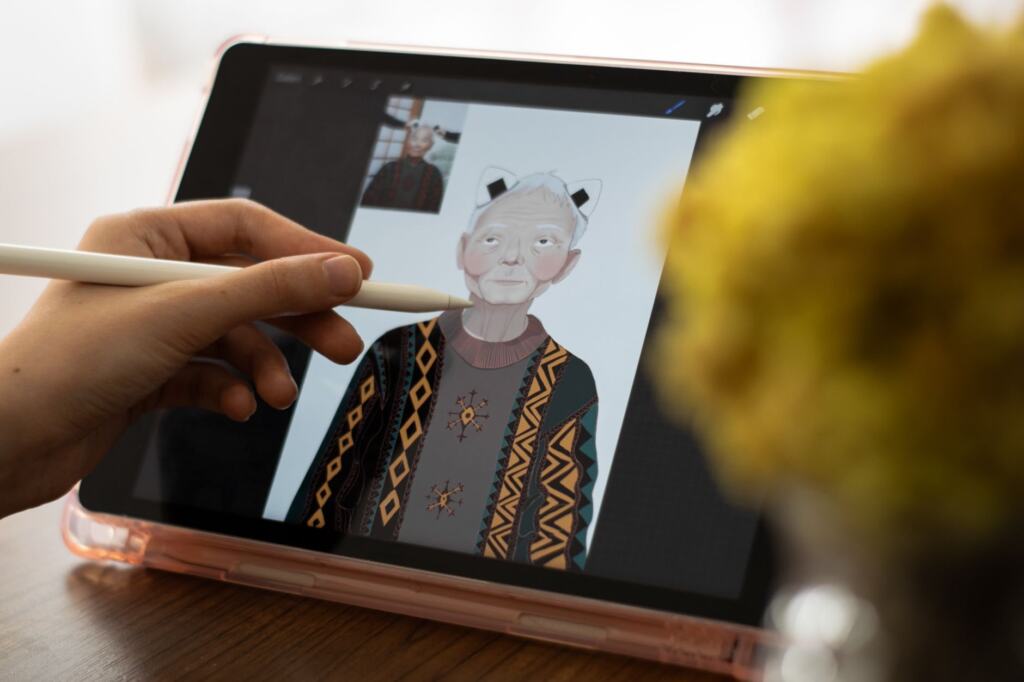
Raster images work with pixels, which allow continuous tonal shifts in the artwork, as CorelDRAW explains. That suits painterly, textured or softly shaded illustration. Corel names PHOTO-PAINT and Corel Painter as raster programs designed specifically for digital illustrators. Procreate also belongs in this working style, since it is used for tablet-based sketching and painting.
Vector: formulas and clean line art
Vector files rely on mathematical formulas rather than a grid of pixels. Adobe Illustrator is the usual example, used for scalable vector artwork and clean line art. Choose vector when the same image must serve in several sizes, such as a logo-like character or a flat-colour graphic. Choose raster when the look depends on texture and gradual colour change. If you are unsure which suits you, The Ultimate Guide To Types Of Digital Art In 2026: Styles, Tools, And How They Differ – Picozu compares the main styles side by side.
Tools for a beginner setup
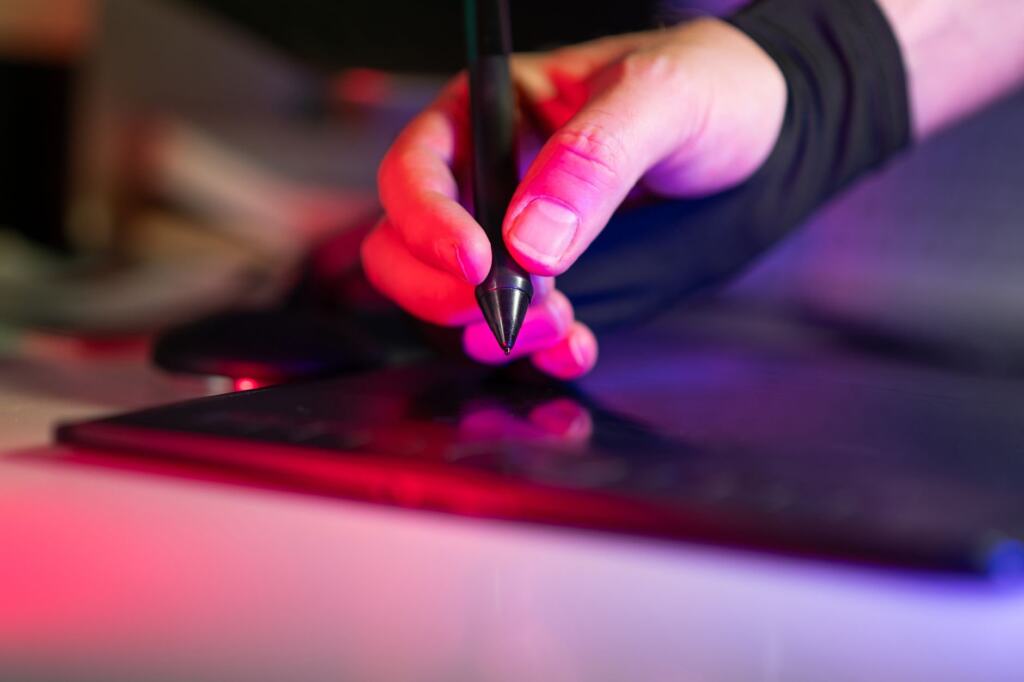
Digital illustrators work with graphics tablets and modern programs, so a beginner kit has two parts: hardware that records your hand movement and software that matches the work you want to make. Clip Studio’s digital art tutorials open with the same split, covering the tools you need and then the steps of creating artwork.
Hardware: tablet and computer
Vancouver Film School describes a reliable workstation as enough RAM and a modern multi-core CPU, scaled to project complexity. Treat that as a sensible floor for ordinary illustration, and expect to need more as files become larger and more complex. The tablet is the bigger buying decision. Best Drawing Tablet For PC In 2026: Find The Right One For Your Art, Budget, And Workflow – Picozu weighs models against budget and workflow.
Software: match the app to the output
- Procreate: suits tablet-based sketching and painting, so it fits an illustrator who mainly draws by hand and wants a raster workflow.
- Adobe Illustrator: suits scalable vector artwork and clean line art, which matters when clients need flexible sizes.
- Clip Studio Paint: publishes colour tutorials such as 3 Quick and Easy Color Techniques in Clip Studio Paint, a useful signal for beginners who want guided learning inside the app.
- Corel PHOTO-PAINT and Corel Painter: raster programs aimed at painterly digital illustration.
Clip Studio also reviews 12 drawing apps for PC, tablet and phone, which is a practical shortlist if you work on more than one device. Check current vendor pricing before buying, since subscription and licence terms change; start with one program and add another only when a project demands it.
From brief to delivery: the working stages
Vancouver Film School describes a typical illustration pipeline that moves in a fixed order, and following it keeps client work from unravelling late.
- Concept development. Settle the idea and direction before drawing anything detailed.
- Sketch approval. Present drafts and incorporate feedback while changes are still cheap to make.
- Detailed creation. Build the finished artwork only once the sketch has been approved.
- Delivery preparation. Ensure final assets meet the client’s delivery specifications.
The order matters because feedback has the most value at the sketch stage. Revising a loose sketch costs far less effort than reworking finished artwork. Delivery preparation is the stage beginners most often skip, so ask what file type and specification the client needs before you finish.
Building a portfolio that leads to work
A portfolio turns practice into evidence a client can judge quickly. Vancouver Film School advises curating high-quality projects on ArtStation or other portfolio sites, and the word curating is the key instruction: show your strongest finished pieces, not everything you have drawn.
Where to show it
ArtStation and Behance are both used for showcasing work and connecting with professionals, so they serve as a gallery and a way to be found. Use them alongside any personal site you build.
How to fill it with real work
Internships and competitions give you experience, real deadlines and content for the portfolio. That combination is useful because it produces pieces that were taken through the pipeline above rather than made in isolation. Adobe certifications are another option: they validate software proficiency with flexible schedules, which can support a case for Illustrator skills but do not replace strong images.
How illustrators earn money
Illustrators earn through several channels, and the right mix depends on whether you want flexibility or stability. Freelancers are typically paid per project, while in-house roles trade project variety for salary stability and benefits.
| Income channel | What is stated | Planning use |
|---|---|---|
| Freelance projects | Paid per project; established hourly rates often range $50–$150 per hour | Use as a benchmark for quoting once your portfolio and track record are established, not as a day-one rate. |
| In-house role | Averages around $69,000 annually, varying by region, industry and experience; salary stability and benefits | Suits illustrators who prefer predictable income over project variety. |
| Licensing and royalties | Can add revenue; copyright terms depend on contracts | Read the contract before you sign, since it decides who controls reuse of the artwork. |
| Online marketplaces | A digital art listing on Fine Art America shows 2,500 independent artists | A route to selling finished work directly, with many other artists competing for attention. |
Figures come from Vancouver Film School’s digital illustrator guide and the Fine Art America digital art listing; the salary and hourly figures vary with region, industry and experience.
For a first paid job, a sensible sequence is to build the portfolio, enter a competition or internship for deadline experience, then take small project work where you can run the full brief-to-delivery process. Freelance revenue can later be topped up by licensing, but only when the contract terms are clear.
Frequently asked questions
What is digital illustration used for?
BeFunky describes digital illustration as used mainly for advertising and visual effects for film, and notes it has been around since the 70s.
Which file formats do vector programs export?
CorelDRAW says nearly all vector illustration software can export file types such as EPS, SVG, AI and CDR.
Do Adobe certifications matter for an illustrator?
They validate software proficiency and can be taken on flexible schedules, but they support a portfolio rather than replace it.
Can I earn from the same artwork more than once?
Licensing and royalties can add revenue, but copyright terms depend on the contract, so check who keeps the rights before agreeing.