| Starting item | Guideline value | Planning use |
|---|---|---|
| Computer, including monitor | $450–$2,800 USD | Check what you already own before budgeting for a new machine; the wide range means many people will not need the top end. |
| Computer memory | 4 GB usable minimum; 8 GB or more recommended | Treat the minimum as a floor and the recommendation as the target if you plan to work in layers. |
| Monitor size | 20 inches or more is good | Use as a comfort guide when deciding whether a small laptop screen is enough. |
| Pen tablet | $100–$2,000 USD or more | The range is very wide, so a first purchase belongs at the modest end while you learn what you need. |
| Pressure-sensitive stylus for a tablet or smartphone | $99–$129 USD | Budget for it separately if you plan to draw on a tablet or phone rather than a screenless pen tablet. |
| Drawing software | Free, or up to $300 USD and more | Software is the easiest cost to control, because free options exist and paid ones are optional. |
These figures come from Clip Studio’s guide to starting digital drawing, which states that its prices are only a guideline, so use them as planning ranges rather than quotes.
What is digital art? It is artwork created with digital technology, including computer software and hardware, spanning painting, illustration, 3D modeling and animation. Beginners can start with a computer, a pen tablet and a drawing app.
This page connects the styles, the hardware and the software so you can pick a path before spending money. For a full comparison of every style, read The Ultimate Guide To Types Of Digital Art In 2026: Styles, Tools, And How They Differ – Picozu, and for a step-by-step first session, follow How To Start Digital Art: A Practical Beginner’s Playbook For 2026 – Picozu.
What digital art covers
Digital art is defined by how it is made, not by how it looks. Artezaar’s overview describes it as artwork built with computer software and hardware, and it lists digital paintings, illustrations, 3D modeling and animation under the same heading. A portrait drawn with a pen on a tablet, a layered painting built in an app and a modeled character all qualify. The practical consequence is that “digital art” is not a single skill to learn. It is a family of skills that share a workspace, so the most useful first question is which member of the family you want to make.
Why digital work forgives early mistakes
Artezaar notes that if you make a mistake, you can undo your actions and start again on a new layer in a matter of seconds. For a beginner this changes how practice feels. Trying a bold color, a rough line or a different composition costs seconds rather than a ruined sheet. Layers also let you keep a sketch separate from the color placed over it, so you can correct one without damaging the other. The habit worth building early is to use layers deliberately instead of painting everything on a single surface.
Cost over time
Clip Studio’s guide points out that with digital drawing you do not have to replace equipment that runs out, which costs less in the long term. The trade-off is the start-up spend shown in the table above. You pay for a computer, a pen device and software at the beginning instead of buying supplies as they are used up. If you already own a computer that can run drawing software, the up-front cost shrinks considerably, which is why the equipment section below starts with what you have.
Style, software, hardware: the order that saves money
Clip Studio advises choosing software according to what you want to draw, with illustration, comics, portraits, anime, watercolor and landscape given as examples. That makes style the first decision, software the second and hardware the third, because the program you pick determines how much memory you need and whether a pen tablet is essential. The sections below run from styles to equipment to software for readability, but when you actually buy, let the style choose the software and let the software tell you whether your current computer is enough.
Painting and illustration styles
Painting and illustration are the styles most beginners picture when they think of digital art, and they share the same hardware. The difference lies in the finished result. A painting builds an image through color, light and texture, while an illustration usually serves a subject, a story or a purpose such as a book page or a poster.
Digital painting
Digital painting treats the screen as a canvas. You apply color with brush-like strokes, build up form on layers and refine the image until it reads clearly. It suits people who enjoy atmosphere, color and lighting more than clean outlines. Digital paintings are named in Artezaar’s list of what digital art includes. According to Drawing Ideas, a graphics tablet captures both the movement and the pressure of the stylus, so a pressure-sensitive pen is the feature to prioritize if painting is your goal.
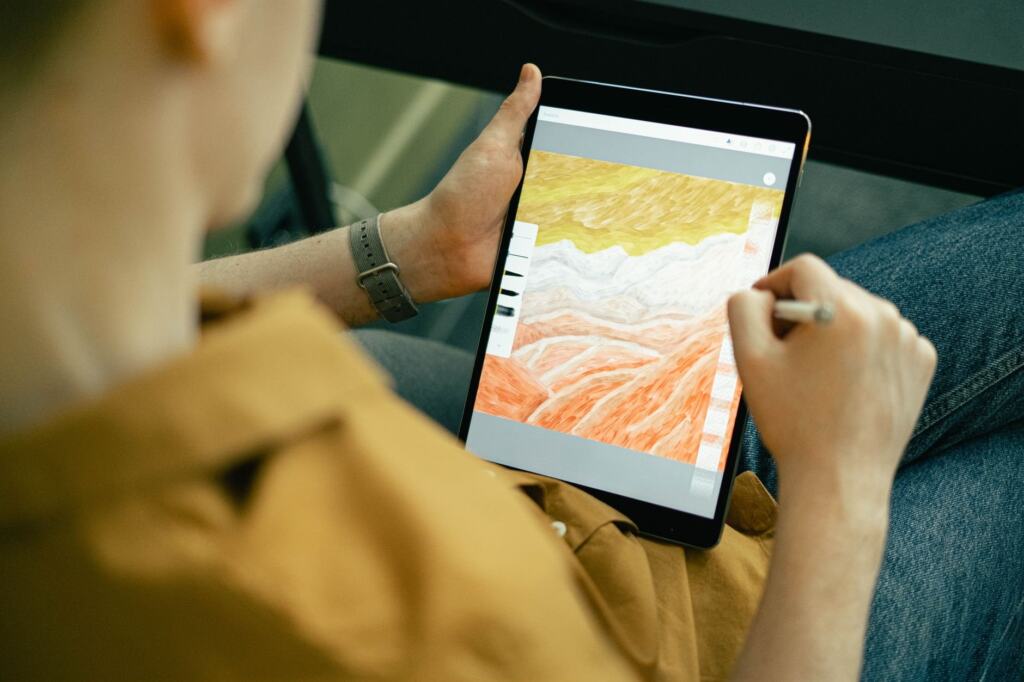
For a first painting project, keep the subject small. A single object in a limited palette teaches layers, pressure and color mixing without the weight of a full landscape, and a finished small piece is more motivating than an abandoned large one.
Digital illustration
Digital illustration covers drawings made for a clear purpose, such as characters, spot art, web imagery and comic pages. Artezaar names illustrations alongside paintings as a core branch of digital art. The tools overlap with painting, but illustration leans on controlled line work and readable shapes, so software that handles lines well deserves extra attention when you shortlist. For workflow, skill-building and career routes in this style, read Digital Art Illustration: How To Create Stunning Work, Build Skills, And Start A Creative Career In 2026 – Picozu.
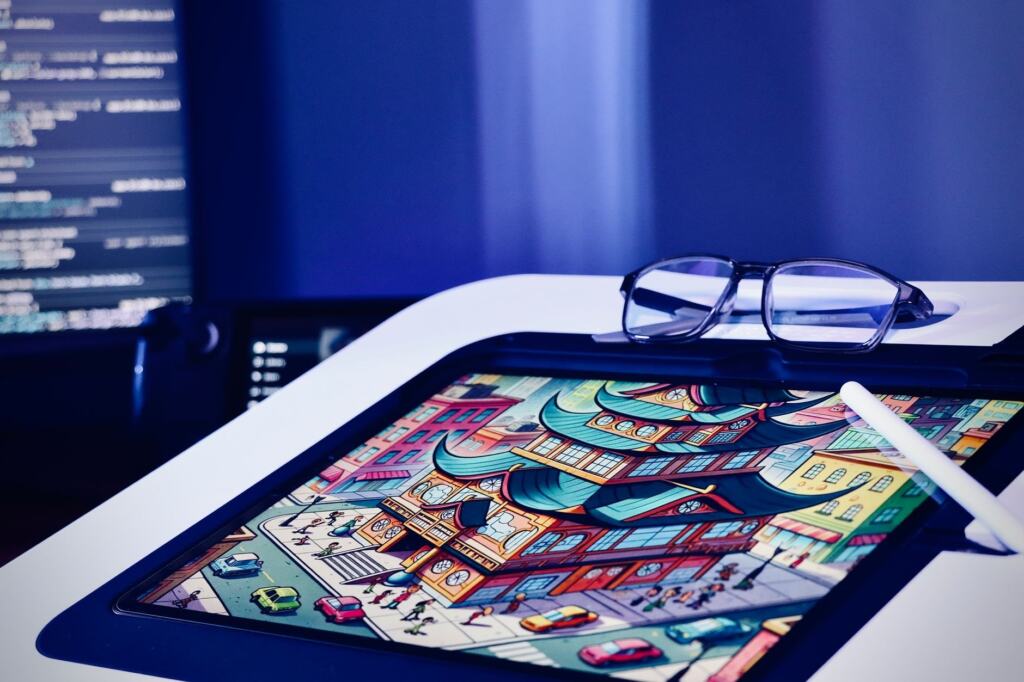
Concept art is a related direction, where the goal is designing creatures, characters and environments. If creature design appeals to you, Monster Concept Art: How to Design Memorable Creatures That Tell a Story (2026 Guide) – Picozu shows how to approach it as storytelling rather than decoration.
Comics and manga
Comics and manga have the most specific software recommendation in the available guidance. Drawing Ideas calls Clip Studio Paint highly acclaimed software among manga and comic creators, and Clip Studio’s own guide lists comics and anime among the subjects that should steer your software choice. If sequential pages are your goal, evaluate that program first and a pressure-sensitive pen second. If comics are only a possibility, a general drawing app keeps your options open while you decide.
Pixel art, vector art and animation
These styles reward different habits from painting. Pixel art asks for patience with tiny details, vector art asks for precision with shapes, and animation asks you to think about change over time. They are worth considering if freehand painting does not appeal to you.
Pixel art
Pixel art is built from individual pixels placed deliberately on a grid, which makes it a style where very small decisions are visible. The characters on the tablet below show the look: simple shapes, restrained detail and a clear silhouette. It is a good fit for people who enjoy puzzle-like precision and who want finished results from small canvases.
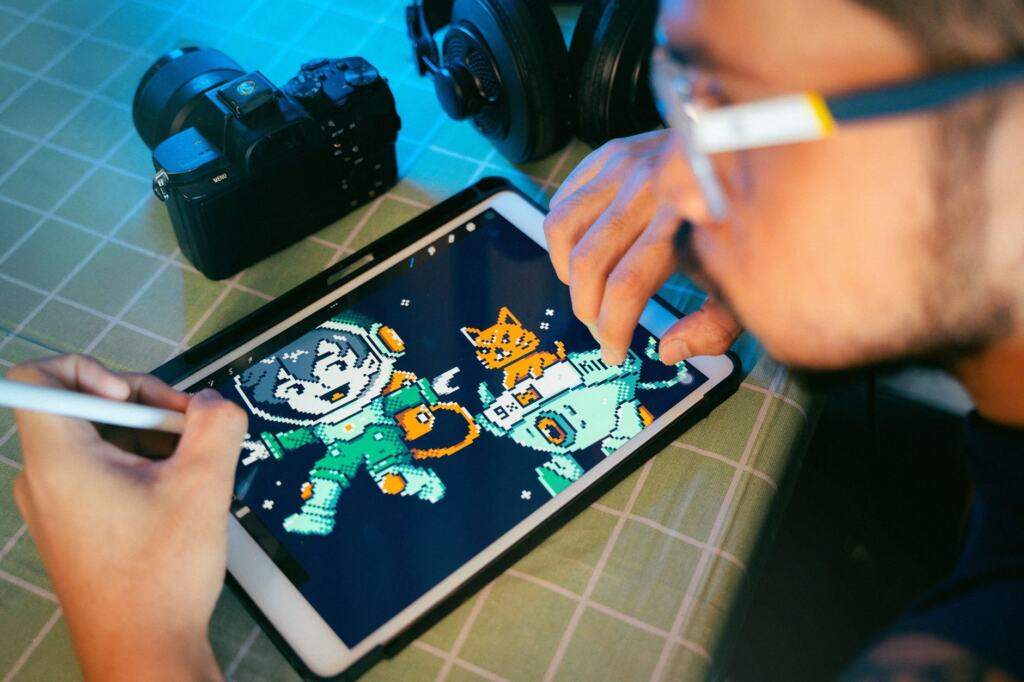
When you are ready to try it, how to make pixel art covers the software, canvas size and a first sprite, and 50 Easy Pixel Art Ideas To Start Today (No Experience Needed) – Picozu supplies subjects so you are not facing a blank canvas.
Vector art
Vector art is built from shapes and paths rather than a grid of pixels, so it favors clean edges and flat color. It suits people who like precise, graphic results more than textured brushwork. Because it is shape-based, the learning curve is about understanding how to construct forms, not about hand pressure, so the pen device matters less here than in painting. Follow how to make vector art for a beginner-level route into it.
3D modeling and animation
Artezaar lists 3D modeling and animation within digital art, alongside painting and illustration. Both extend beyond drawing: 3D modeling is about constructing objects as models, and animation is about change over time. The memory guidance in the next section is written for drawing, so check the specific requirements of any 3D or animation program before you buy hardware. Digital animation for beginners covers software, frame rate and a first loop.
Equipment beginners need
A beginner needs a computer or tablet that runs drawing software, a pen-based way to draw and a screen large enough to see the work. Everything else is optional. The sensible order is to check what you already own, choose the pen device next and add accessories last.
Computer and monitor
Clip Studio’s guide says 4 GB usable memory is the minimum for drawing, but recommends 8 GB or more. Treat the lower figure as a floor and the higher one as the sensible target, especially if you expect to work with many layers. For comfort, the guide says a monitor of 20 inches or more is good. A smaller display still works, but it gives you less space for the canvas and the tool panels. Before shopping, compare your current machine with these figures. If it passes, spend your first money on the pen device rather than a new computer.
Graphics tablets
A graphics tablet, also called a drawing tablet, is a touch-sensitive surface used with a stylus or pen to draw on screen, according to Drawing Ideas. Its core job is input: the tablet captures the movement and pressure of the stylus and passes both to the software. Because a screenless tablet has no display, you watch the monitor while your hand works on the tablet surface.
Clip Studio is direct about when you need one: if your computer does not have a touchscreen for drawing, you will need a pen tablet. The same guide names Wacom as the most popular pen-tablet brand. Popularity is a useful starting point, but it does not replace comparing sizes, connections and prices. For matching a tablet to a desktop or laptop and a budget, see Best Drawing Tablet For PC In 2026: Find The Right One For Your Art, Budget, And Workflow – Picozu. Once you know the tablet, the pen is the next decision, and Drawing Tablet Pen: The Ultimate Guide To Choosing And Using The Right Stylus In 2026 – Picozu covers it. If you plan to draw for long sessions, Drawing Tablet Glove: The Ultimate Guide To Smoother Strokes And Less Smudge In 2026 – Picozu covers a small accessory worth knowing about.
Comparing beginner tablets
The table below compares four screenless tablets from one manufacturer, which keeps the comparison on the same criteria: connection type and price. It shows how the entry end of the market is structured, with wired and wireless versions of a smaller and a larger model.
| Model | Connection | List price | Sale price | Planning use |
|---|---|---|---|---|
| DIGIDRAW T410 Basic S | USB-C | $49.99 USD | $20.99 USD | The lowest price in this table, so a low-risk way to find out whether pen input suits you. |
| DIGIDRAW T610 Basic M | USB-C | $69.99 USD | $55.49 USD | The next step up in the wired Basic line if the smallest model feels limiting. |
| DIGIDRAW TW410 Smart S | Bluetooth | $69.99 USD | $65.99 USD | A wireless option; the sale price sits close to the list price. |
| DIGIDRAW TW610 Smart M | Bluetooth | $89.99 USD | $75.99 USD | The highest-priced model here, for someone who wants a wireless medium-size tablet. |
Prices and connection types are as listed in the manufacturer’s digital art guide, so check current pricing before buying.
The T410 is described in detail by the manufacturer: it weighs 219 g, has a 6.3 × 3.9-inch active area and is a screenless tablet. Its pen is specified at 16,384 pressure levels, 5080 LPI resolution, a 330+ PPS report rate and ±0.3 mm accuracy. These are the specification lines worth looking for on any tablet you consider, because they describe how finely the pen reads pressure and position. For a first tablet, the choice between USB-C and Bluetooth is mostly about whether you prefer a cable. The size choice is about desk space and how large your arm movements are. Note that the Clip Studio guide places pen tablets across a far wider price range than this table, which shows that beginner models cover only the lower end.
Pen displays and the iPad route
Drawing Ideas describes pen displays as combining the functionality of a graphics tablet with the convenience of a screen, so you draw directly on the display instead of on a separate surface. That suits people who find it unnatural to look at one place while drawing in another. The same source notes that the iPad Pro pairs with the Apple Pencil, a stylus that offers pressure sensitivity and tilt recognition. If you already own a compatible tablet, that may be the cheapest way to begin, because the main purchase is already made.
If you like the feel of paper and want the result on screen, Paper Drawing Tablet: How to Draw on Real Paper and Capture It Digitally — A Practical 2026 Guide – Picozu explains that route.
Software and apps
Software cost is the easiest part of the budget to control. Clip Studio’s guide puts drawing software at free or up to $300 USD, and more depending on what you buy, so start with the cheapest option that fits your subject and upgrade only when you hit a real limit.
- Procreate and Sketchbook for a general start. Artezaar calls them two of the most popular options available and says they suit both beginners and professionals. They are a reasonable first pair to look at if you have no specific style in mind.
- Clip Studio Paint for comics and manga. Drawing Ideas describes it as highly acclaimed among manga and comic creators, which makes it the first program to try if panels and pages are the goal.
- Match the program to the subject. Clip Studio’s guide says to choose software according to what you want to draw, whether illustration, comics, portraits, anime, watercolor or landscape. A program that fits your subject saves more time than one with a longer feature list.
- Check requirements before buying. The memory and monitor figures in the equipment section apply here: confirm your computer meets the program’s needs before paying.
If you cannot decide on a subject, make small practice pieces in different styles and see which one you finish. That is more reliable than guessing from descriptions. How to find your art style explains how to narrow that down, and digital art ideas helps when you are stuck for a subject.
Choosing your starting path
The decisions above combine into a few typical starting setups. Pick the one closest to your goal and adjust.
- Comics on a computer without a touchscreen. You need a pen tablet, since Clip Studio says non-touch computers require one, and comic-focused software. Confirm the memory figure first, then buy the tablet.
- Painting on a tablet you already own. If it is an iPad Pro, the Apple Pencil already gives pressure and tilt, so try Procreate or Sketchbook before buying any extra hardware.
- Exploring on a tight budget. Use free software and, if you want pen input, the lowest-priced tablet in the comparison above. Learn what you enjoy before spending on more.
- Aiming at professional concept art. The tool choice matters less than the work you show. Concept Art Portfolio That Gets You Hired: Build A Standout Reel In 2026 – Picozu explains what a reel needs.
In every case, the guiding rule is the same: choose the style, then the software, then the pen device, and spend more only after you know what you will use.
Frequently asked questions
In what order should I set up a new drawing tablet?
DIGIDRAW’s guide gives the sequence as hardware, then driver, then operating system, then application, and recommends following that order for a new tablet.
Can I try drawing software before paying for it?
Yes, in some cases. Clip Studio’s guide mentions a 31-day free trial of Paint Tool SAI, and it lists drawing software as ranging from free upward, so a free option or a trial is a sensible first step.
Is digital art more eco-friendly than traditional art?
Artezaar describes digital art as a more eco-friendly alternative because it eliminates the canvases, paints and brushes that produce waste. That claim concerns physical art supplies; you still need to buy the computer or tablet.