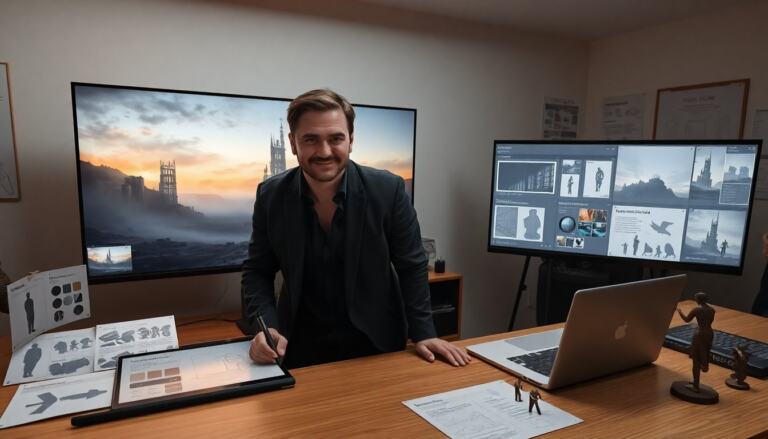
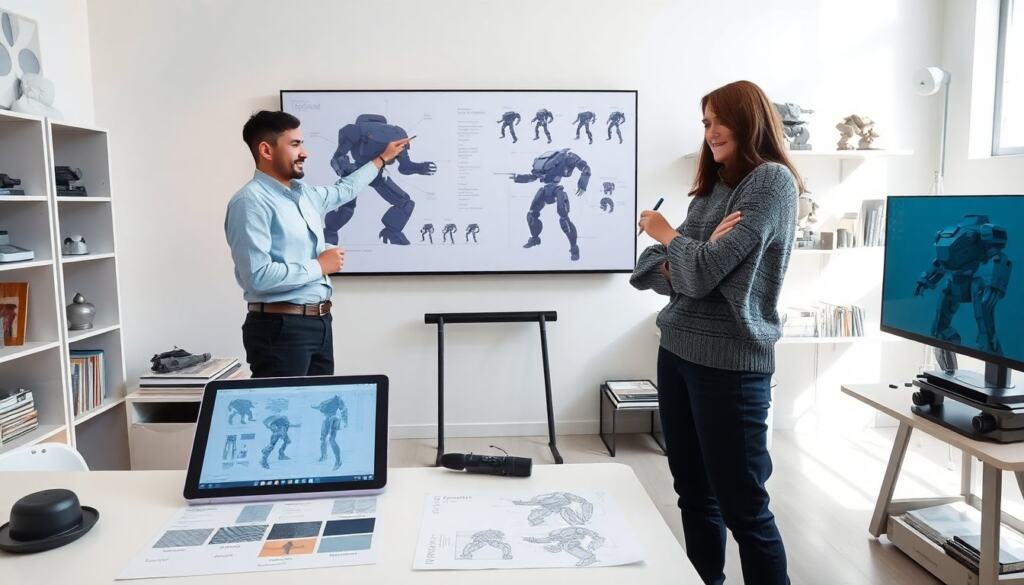
Mech concept art shows a machine and its purpose. The artist uses shape, silhouette, and detail to sell the idea. They test scale and function in quick sketches. This guide explains core methods and tools. It aims to help artists plan clear, compelling mech designs and communicate them effectively to directors, modelers, and texture artists. Below are practical techniques, common pitfalls, and workflow tips that scale from quick pitch sketches to final presentation boards.
Key Takeaways
- Mech concept art clearly defines a machine’s look and function by using silhouette, scale, and readable design elements to enhance recognition and purpose.
- Strong mech concept art balances creative flair with engineering logic, ensuring that the form supports realistic motion and combat functionality.
- Material choice and surface details convey a mech’s role, age, and story, with weathering effects adding depth and narrative to the design.
- Color and lighting guide the viewer’s focus by establishing mood, faction, and visual hierarchy, making critical systems and threat points stand out.
- A typical mech concept art workflow involves research, thumbnailing, silhouette iteration, detailing, and rendering, using tools like Photoshop and 3D software to streamline creation and approval.
What Is Mech Concept Art And Who Makes It
Mech concept art defines a machine’s look and behavior. Concept artists draw initial ideas for games, films, and toys. Industrial designers and prop makers refine the design for production. Art directors set visual rules and approve iterations. Students and hobbyists study references and practice thumbnailing. Studios hire artists who combine drawing skill and mechanical sense. The work balances creative flair and technical logic. The artist communicates form, movement, and personality with few lines and clear annotations. Mech concept art appears early in a project and guides later teams.
Beyond the core roles, a complete mech pipeline often involves collaboration with technical artists, riggers, and animators who test the design in motion, as well as concept illustrators who create hero views for marketing. At small studios or solo projects, a single artist may handle research, design, 3D blockout, and texture paint. Understanding who will use your concepts informs how much engineering detail and annotation you include: heavy annotations for modelers, simplified color language for marketing, and multiple pose sheets for animators.
Core Design Principles: Silhouette, Scale, And Readability
Silhouette gives a design instant recognition. A strong silhouette reads at a distance and on thumbnails. Scale tells the viewer how big the mech stands next to people and buildings. The artist uses human figures and props to fix scale. Readability means each part serves a clear role. The artist avoids clutter that hides function. They block shapes first, then refine edges and joints. The artist tests silhouettes in black shapes and in multiple poses. This approach keeps the design clear under fast review and in small thumbnails.
Practical tips: start each concept session with 20–50 thumbnail silhouettes at tiny size (roughly 1–2 cm on screen) to explore proportions quickly. Use contrasting proportions—long legs vs. squat torso, wide shoulders vs. narrow waist—to establish character and role (scout, heavy assault, support). When refining, flip the canvas and view the silhouette from a distance or as a small compressed image to spot readability issues. Common mistakes include adding too many surface details early and relying on linework rather than value shapes to define forms.
Form, Function, And Engineering Thinking
Form follows declared function in strong mech concept art. The artist decides if the machine walks, rolls, or flies. They place joints where motion needs support. The artist suggests armor plates that protect vital systems. They add vents and actuators where heat or force requires it. The team uses simple engineering logic to avoid impossible mechanics. The artist sketches exposed structures when they want realism. They label hardpoints and ammo feeds to explain combat behavior. This method makes designs believable and easier for modelers to carry out.
Actionable checklist for engineering thinking: identify center of mass and load-bearing structures, indicate actuator placement and range of motion (e.g., elbow flex 0–120°), note access panels for maintenance, and call out weight-saving features such as truss frames or composite skins. Balance visual drama with plausible mechanics—overly heroic poses are fine for a hero render, but also provide neutral T-pose or orthographic views to help downstream riggers and fabricators understand limitations.
Materials, Surface Detail, And Weathering
Material choice defines a mech’s role and age in mech concept art. Steel and titanium read as military and heavy. Composite panels read as advanced and light. The artist mixes materials to hint at repairs or upgrades. Surface detail includes bolts, seams, and service access. The artist balances detail so it reads at different scales. They show wear at edges and around hatches to imply use. Small decals and serial numbers add realism without crowding the silhouette. The artist plans where grime will collect to guide later texturing work.
When placing surface detail, think in tiers: primary structure (big plates and shapes), secondary mechanics (panels, vents, access points), and tertiary detail (rivets, wiring, fasteners). Use reference photos from vehicles, industrial machinery, and real-world paneling to avoid repeating stylized patterns that break believability. Consider how different materials respond over time—paint chips on sharp edges, composite delamination around stress points, and oil stains near hydraulics—and map these behaviors into your textures rather than randomly adding scratch marks.
Weathering, Damage, And Storytelling Through Wear
Weathering tells a machine’s history in simple ways. The artist scratches paint near high-contact areas. They darken exhaust ports and add streaks below vents. The artist dentures armor where known impacts occur. They show patchwork panels to suggest field repairs. Burn marks and rust show neglect or long service. The artist places stickers and faded insignia to hint at previous owners. Each mark serves a narrative purpose and helps the viewer imagine missions and conflict. This practice makes mech concept art feel lived-in and believable.
Practical workflow: reserve a layer for planned weathering so you can toggle it during reviews, and vary weathering density by region (crew-access areas get heavy wear; protected internal bays stay cleaner). Use masks and textured brushes to simulate edge wear, salt spray, dust accumulation, and paint fade. Avoid uniform noise—weathering should follow airflow, gravity, and usage patterns. Annotate why each damage mark exists (e.g., “impact from left flank, near ammo bay”) so narrative choices survive handoff to art directors and modelers.
Color, Lighting, And Visual Hierarchy
Color defines mood and faction in mech concept art. The artist picks a base color for silhouette clarity. They use accent colors on sensors, joints, and weapons to guide the eye. High-contrast areas should highlight important systems. The artist applies local lighting to show surface planes and depth. Rim light separates the mech from backgrounds. They use color temperature to suggest environment and scale. The artist keeps palettes limited so the design stays readable at a glance. Good hierarchy helps viewers spot threat points and features quickly.
Technique pointers: build your final boards starting with a desaturated value pass to lock readability, then introduce color to support the hierarchy. Use warm accents on interactive elements (cockpit, lasers) and cool desaturation for background or armor mass to push it back. For cinematic renders include a few light sources with different temperatures to add depth—key light for form, fill light for detail, and rim for separation. Consider how atmospheric perspective affects silhouette clarity at distance: softening contrast and shifting hues toward the environment color will read better in-game or in film composites.
Typical Workflow And Essential Tools For Mech Artists
Artists begin with research and thumbnail sketches in mech concept art. They iterate silhouettes and choose one direction. The artist blocks main shapes and defines joints next. They add details and annotate function with short notes. The artist renders materials and lighting for final presentation. Popular tools include pencil, marker, Photoshop, and Procreate. 3D tools like Blender or Maya help test proportions and poses. Asset libraries speed texturing and hardware detail. The artist keeps files organized and labels layers for handoff. This workflow reduces rework and speeds approval.
A recommended pipeline: research and reference gathering → quick thumbnail silhouettes → select 2–3 directions for refinement → orthographic and pose sheet for chosen concept → material and decal pass → final render and comp with lighting and story notes. Use 3D blockouts to validate mass and camera angles early; simple gray-block models or primitive rigs can expose balance problems that are invisible in 2D. File hygiene tips: name layers and groups clearly (e.g., “silhouette_v2”, “material_pass”, “weathering_edges”), keep a versioned folder with dated saves, and export turnarounds and PSD/ layered files for the next team. Finally, include a short one-page spec with scale references, movement limits, and a prioritized feature list so your mech concept art translates cleanly into production.